
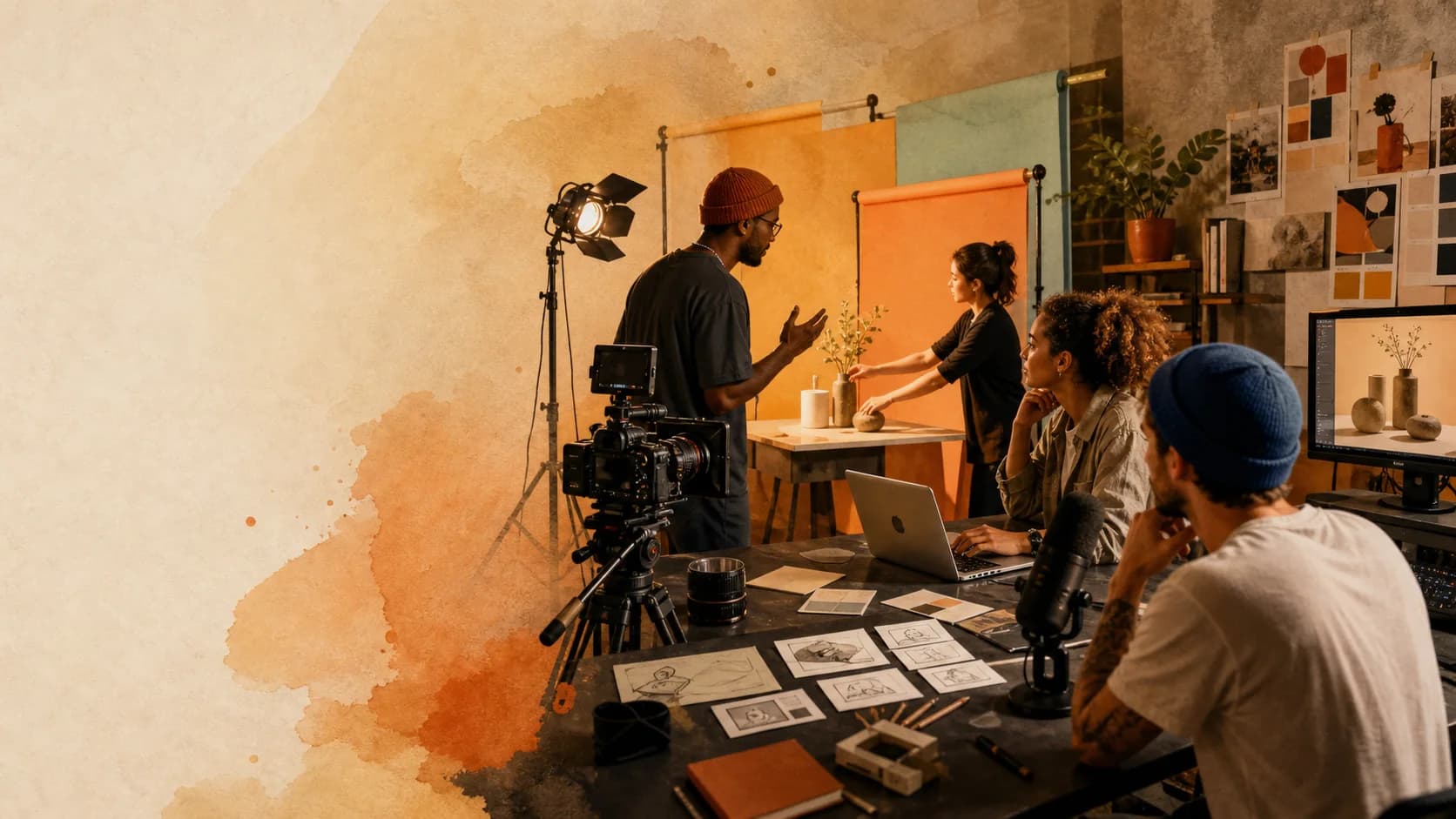
THE CREATIVE SUITE FOR THE WHOLE CONTENT CYCLE
ONE IDEA.EVERY FORMAT.
Plan stories, create images and video, capture captions, edit the cut, design thumbnails, publish, and learn what worked—all in one creative workspace.
OMTME creative workspace
Start with today’s task. Connect the process when you are ready.
BRING THE MODELS YOU ALREADY TRUST
Choose the right AI for each creative task instead of forcing every job through one model.





ONE PLACE. MANY WAYS TO CREATE.
Everything your next piece of content needs.
Start with a sentence, a reference image, an audio file, a finished script, or a complete story world. OMTME meets you where the work begins.
PLAN
Storylines & production
Build story worlds, seasons, arcs, story bibles, characters, and episode plans—then carry the approved direction into production.
Explore StorylinesCREATE
Image Studio
Turn prompts, products, models, and references into campaign-ready image variations.
Create imagesCREATE
Video Studio
Generate a video quickly from an idea and visual references with Veo or Gemini Omni.
Create videoCAPTURE
Caption Studio
Transcribe audio or video, correct every timed line, and export SRT or VTT.
Capture captionsREFINE
Editing & thumbnails
Trim a multi-track timeline, hand off captions, and build reusable thumbnail layouts.
Open the editor



PUBLISH & LEARN
Social, schedules & analytics
Connect publishing profiles, schedule repeatable releases, and read performance across YouTube, TikTok, and Facebook.
See publishing toolsMADE FOR REAL CREATIVE WORK
From product campaigns to the editing timeline.
Use a focused studio for the task in front of you, with direct handoffs from Storylines to production and from captions to the cutting workspace.
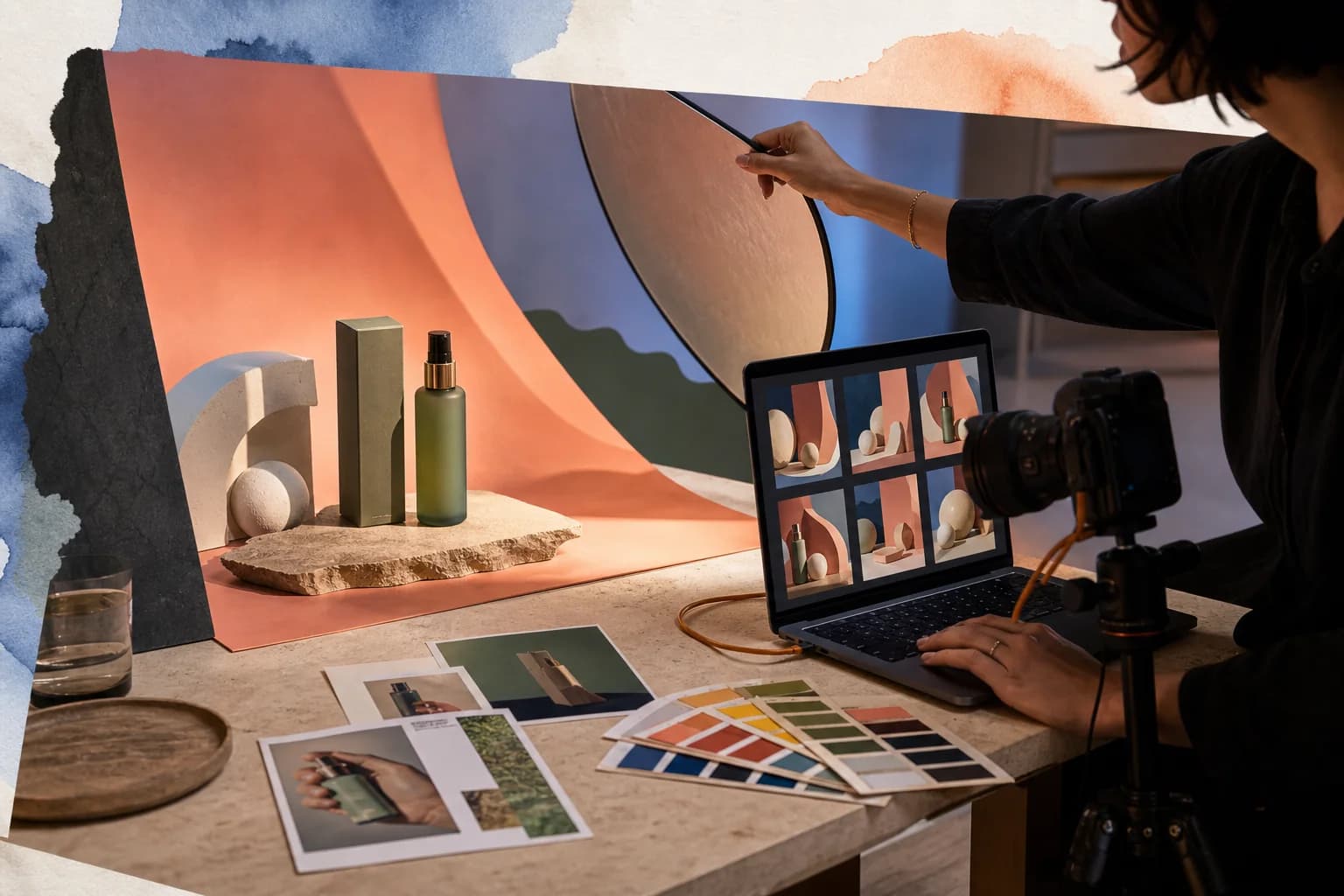
IMAGE STUDIO
Turn one product into a campaign system.
Explore new scenes, backgrounds, formats, and art directions without losing the product at the center.
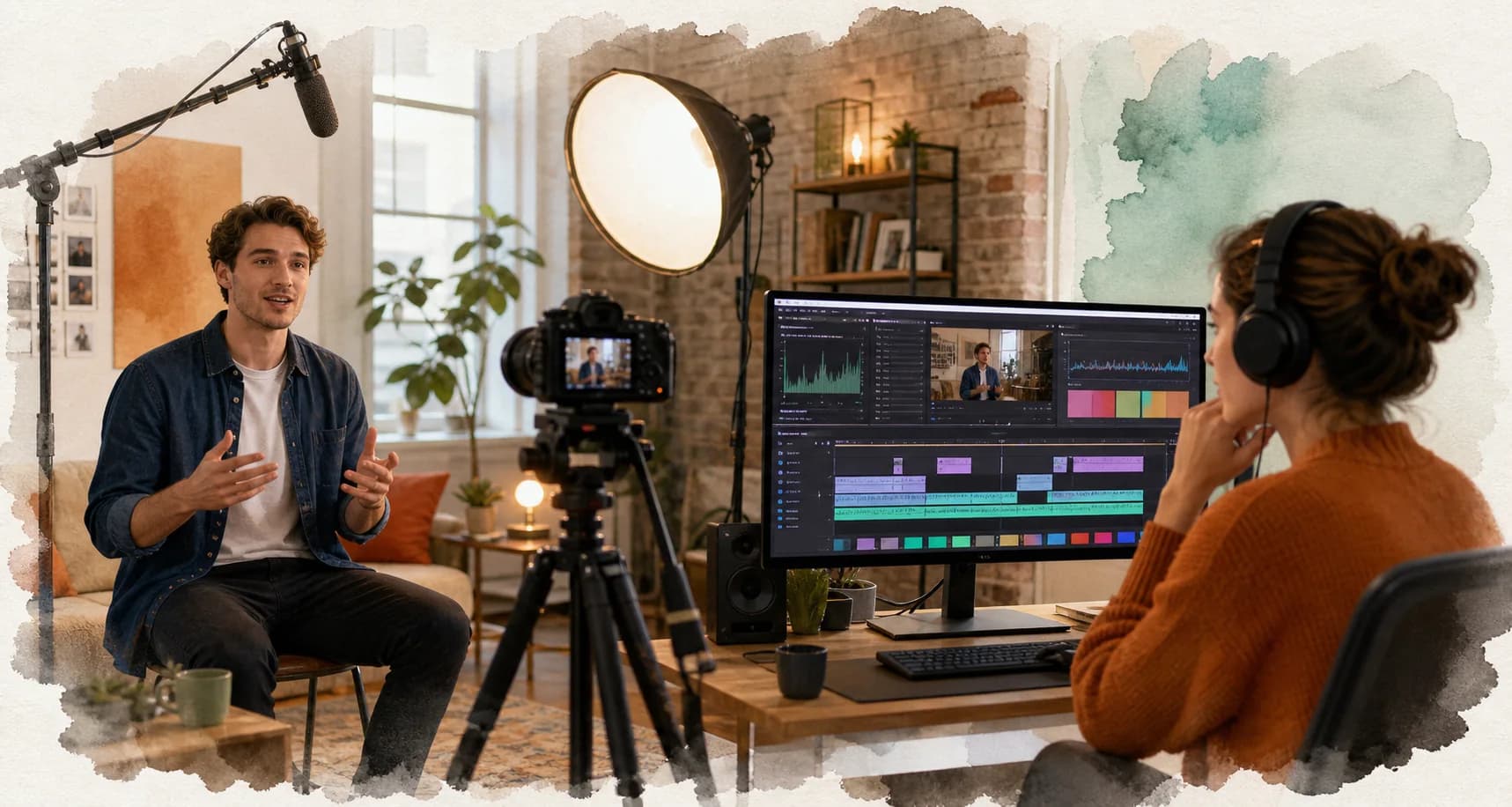
VIDEO · CAPTION · EDIT
Shoot, transcribe, review, and keep moving.
Bring footage or audio into Caption Studio, refine the words and timing, then continue in the cutting workspace.
START ANYWHERE
The workspace adapts to what you already have.
A rough idea, a polished script, a product photo, or raw footage can all become a useful starting point.
A prompt
Ready to continue
Reference images
Ready to continue
Audio or video
Ready to continue
A Storyline
Ready to continue
CONNECTED HANDOFFS
From first thought to finished post.
Start each stage with the direction and assets you already have, using direct handoffs where they are supported.
Shape
Story, angle, script
Create
Image, video, voice
Refine
Caption, edit, thumbnail
Publish
Schedule, send, measure
AUTOMATION WHEN YOU NEED IT
When the work repeats, make the process reusable.
Workflows are the advanced layer—not the only way in. Connect research, writing, media, review, rendering, and publishing when a process deserves to run again.
Start from a template or build on a visual canvas
Keep a human review step before publishing
Reuse the system for the next campaign or client
Campaign launch system
4 connected stages
Research
Stage 1
Script
Stage 2
Visuals
Stage 3
Publish
Stage 4
Human review
Approve before publishing
YOUR TASTE STAYS IN CHARGE
AI moves fast. You decide what ships.
Preserve the creative decisions that define your work and keep approval exactly where judgment matters.
Creative continuity
Carry characters, style, references, and story direction across episodes and production steps.
Review before release
Preview, correct, regenerate, refine, or approve before the work reaches an audience.
Your AI profiles
Use compatible Gemini, Vertex AI, OpenAI, Claude, OpenRouter, and other provider profiles.
YOUR NEXT IDEA ALREADY HAS A STUDIO
Create the next image, video, caption, or campaign from here.
Start free. Choose the studio that fits the work in front of you.
0+
Creators
0+
Video Create
0+
Hour Saving